

Make that trip to the gym to watch your child play even more enjoyable by keeping track of their in-game stats.
It is designed to keep the statistics of one player, not the whole team, so it stays simple enough to use during live play.
How it works
Watch the game
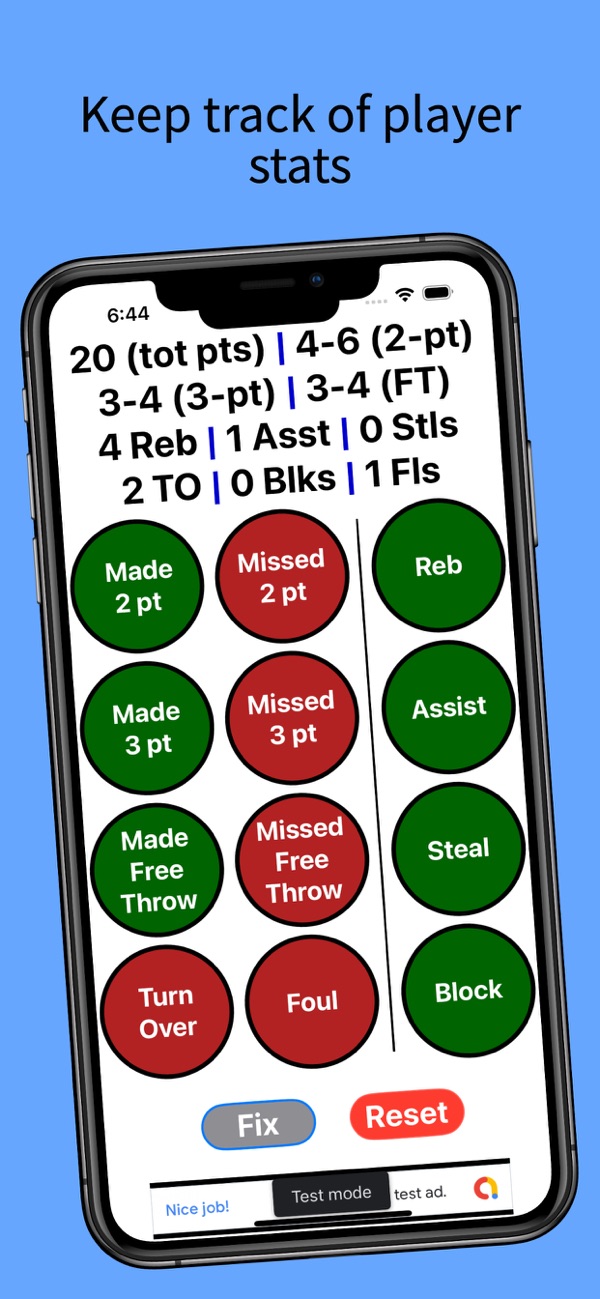
Your player’s stats are always at the top of the screen.
Tap to record
Tap a green or red button for each make, miss, rebound, assist, steal, block, turnover or foul.
Fix or reset
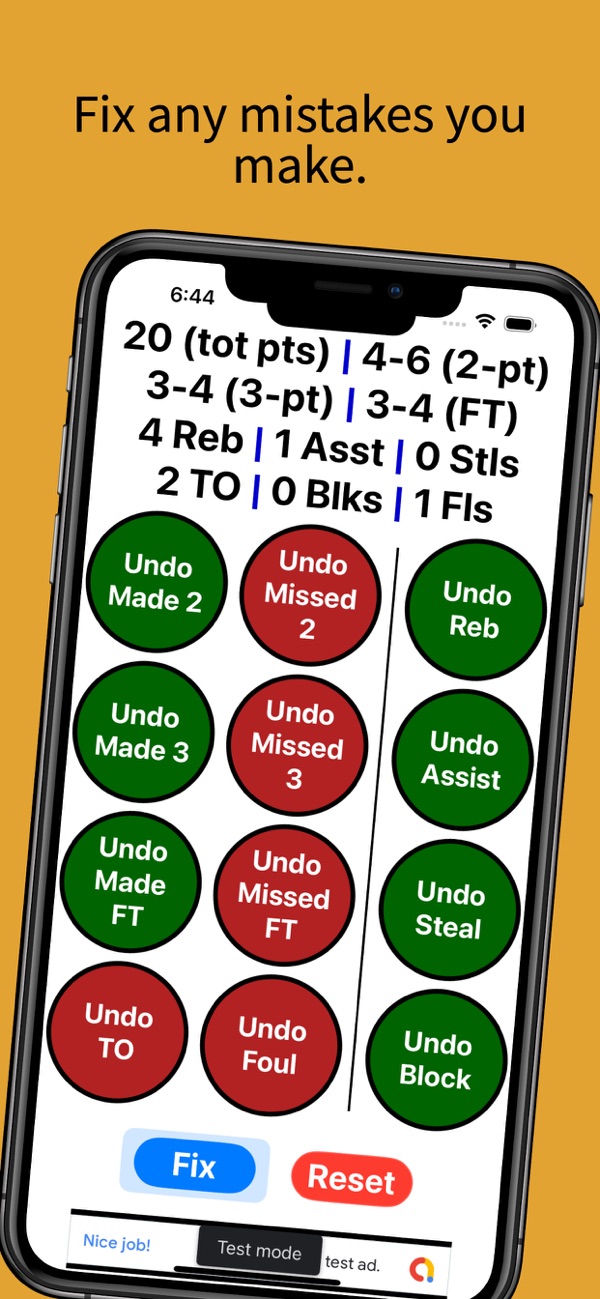
Made a mistake? Tap Fix to undo it. When the game ends, tap Reset to start fresh.
Screenshots
Features
One-tap stats
Every common stat on one screen.
Automatic totals
Points and shooting percentages add up for you.
Undo anything
Fix mode reverses any accidental tap.
Built for game day
Stats are kept if the app closes, and the screen stays awake.
Support
Answers to common questions. Still stuck? Email [email protected] with your device and iOS version.
I tapped the wrong button. How do I undo it?
Tap Fix, then tap the matching Undo button.
How do I start a new game?
Tap Reset and confirm. Stats from the last game stay until you reset, even if the app closes.
Can I track a whole team?
No. The app is designed for one player at a time to keep it fast and simple.